











Setup Guide
IMPORTANT NOTE: Username & password is CASE SENSITIVE (Where there is a capital letter, please type the letter in Capital etc), Always use Extreme API option when adding your account

IOS APPLE TV’S & APPLE PHONES
- Go to App Store Search for Smarters Player Lite then Install.
- Open IPTV Smarters Player on your Apple device
- Insert the below info in on the screen.
Username: Your Username
Password: Your Password
Server URL: http://xtremeport.com:25461
- Select LOGIN
LG & SAMSUNG SMART TV‘S
- On your Samsung/LG Smart TV, Go to Apps, Search IPTV Smarters then install.
- Open IPTV Smarters on your device
- Insert the below info on the screen
Username: Your Username
Password: Your Password
Server URL: http://xtremeport.com:25461
- Select LOGIN

ANDROID TV’S, ANDROID TV BOX & SMART PHONES
Below can be installed on Android TVs, Android TV Boxes as well as Android Phones & Tablets.
NOTE: If the device asks to Install Apps from Unknown Sources Select YES or ENABLE
- On your Device, Open any web browser i.e. Google Chrome
- Put the following link to download our app
https://play.google.com/store/apps/details?id=com.nst.smartersplayer
- Select on iptv.apk file to install.
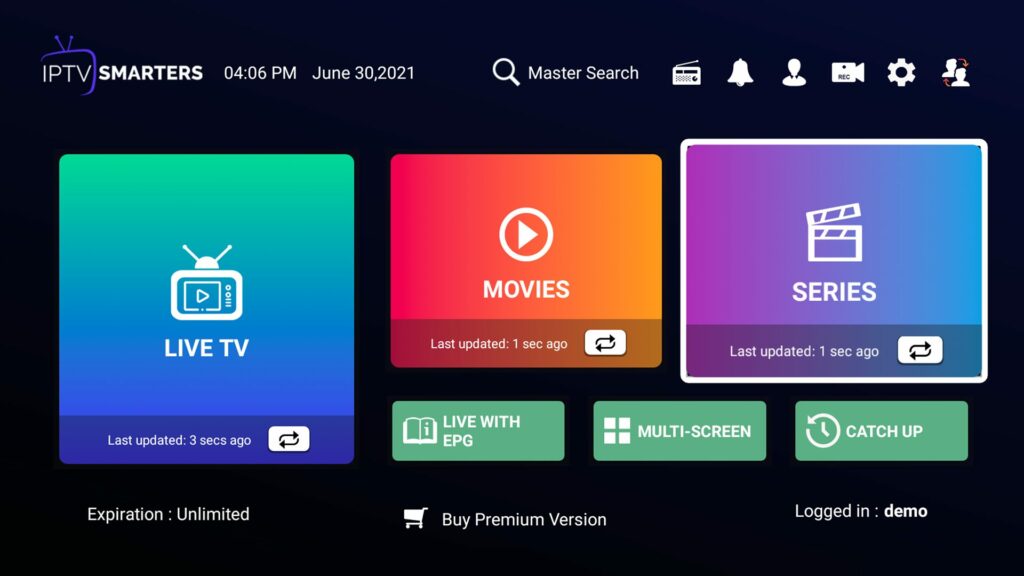
- After installation, open the App (IPTV Smarters Pro)
- Insert the following login details by the Xtream Codes API
Username: Your Username
Password: Your Password
Server URL: http://xtremeport.com:25461
- Select LOGIN
WINDOWS
- On your Device, Open any web browser i.e., Google Chrome
- Put the following link to download our app
https://www.iptvsmarters.com/download/ - After installation, open the App (IPTV Smarters Player)
- Insert the following login details
Username: Your Username
Password: Your Password
Server URL: http://xtremeport.com:25461
- Select ADD USER
For the following devices please send us an email to support@8tv.co.za and we will send detailed instructions.
• FIRE STICK DEVICES
• ROKU DEVICES.
• MAG DEVICES
• M3U URL AND LINK


